MatricX PRO is built for 3D artists in Blender. No texture painting. No UV unwrapping for most materials. No node graphs to build. Pick a material, stack a few imperfections, and your model has a history in minutes.
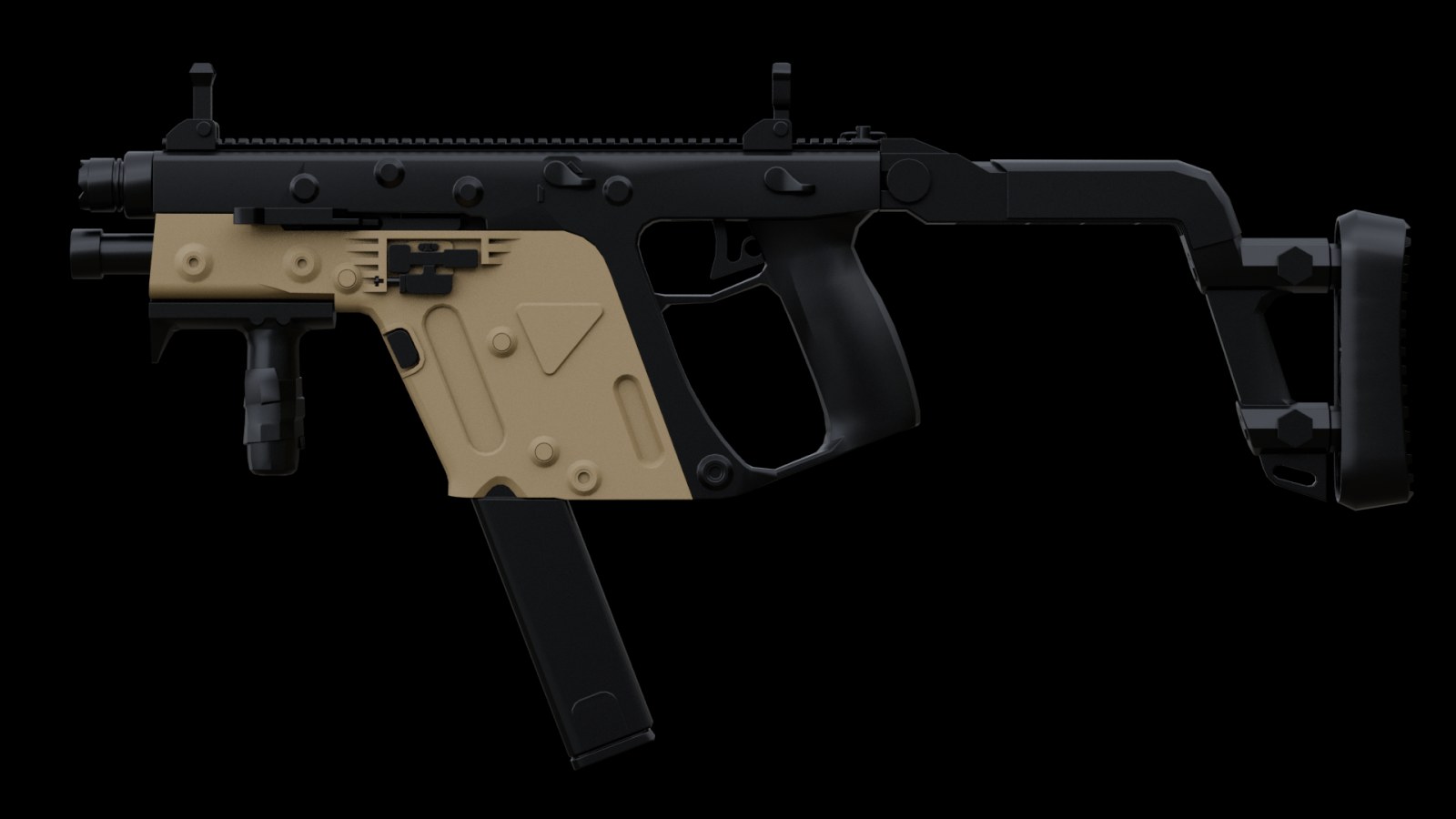
 Before
After MatricX
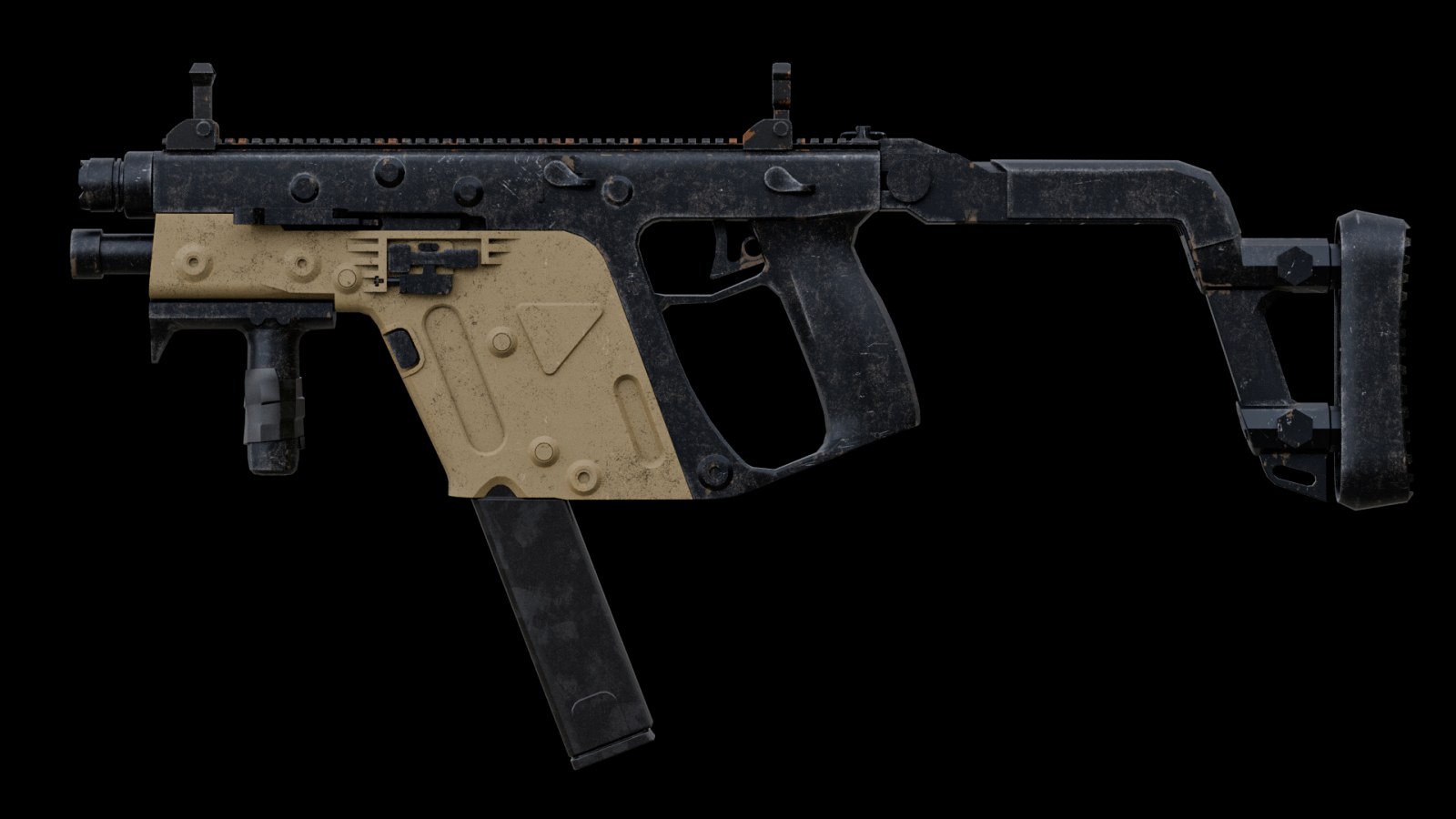
Before
After MatricX
Drag to compare · Flat base colours vs. MatricX materials and imperfection layers
$79$49LAUNCH PRICE · SAVE 38%
Stop building shader networks from scratch. MatricX gives you the building blocks of professional hard-surface materials.
Apply a finished material in one click — then make it yours. 38 of them are recipes: complete materials with a built-in layer stack you can edit freely and reset any time.
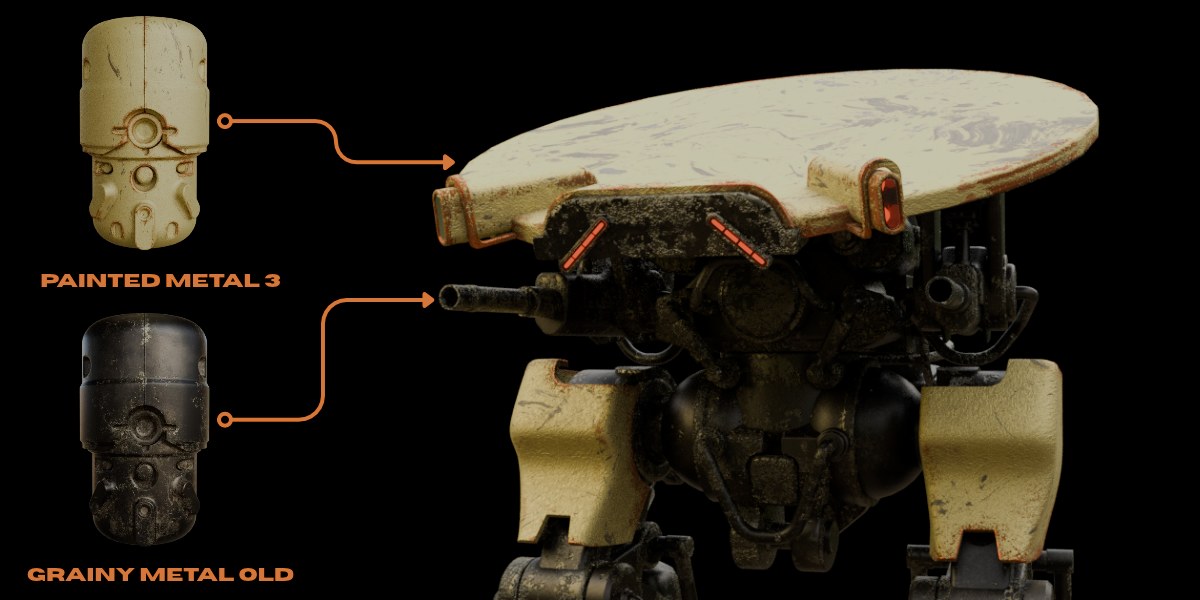
Don't slap a flat grunge map on your model. Build real surface history with stackable layers — and see exactly where each one lands with the Mask preview.
Procedural masks place wear by rule. Paint masks let you decide by hand — brush rust onto the one corner that should have it, wipe grime off where a hand would polish.
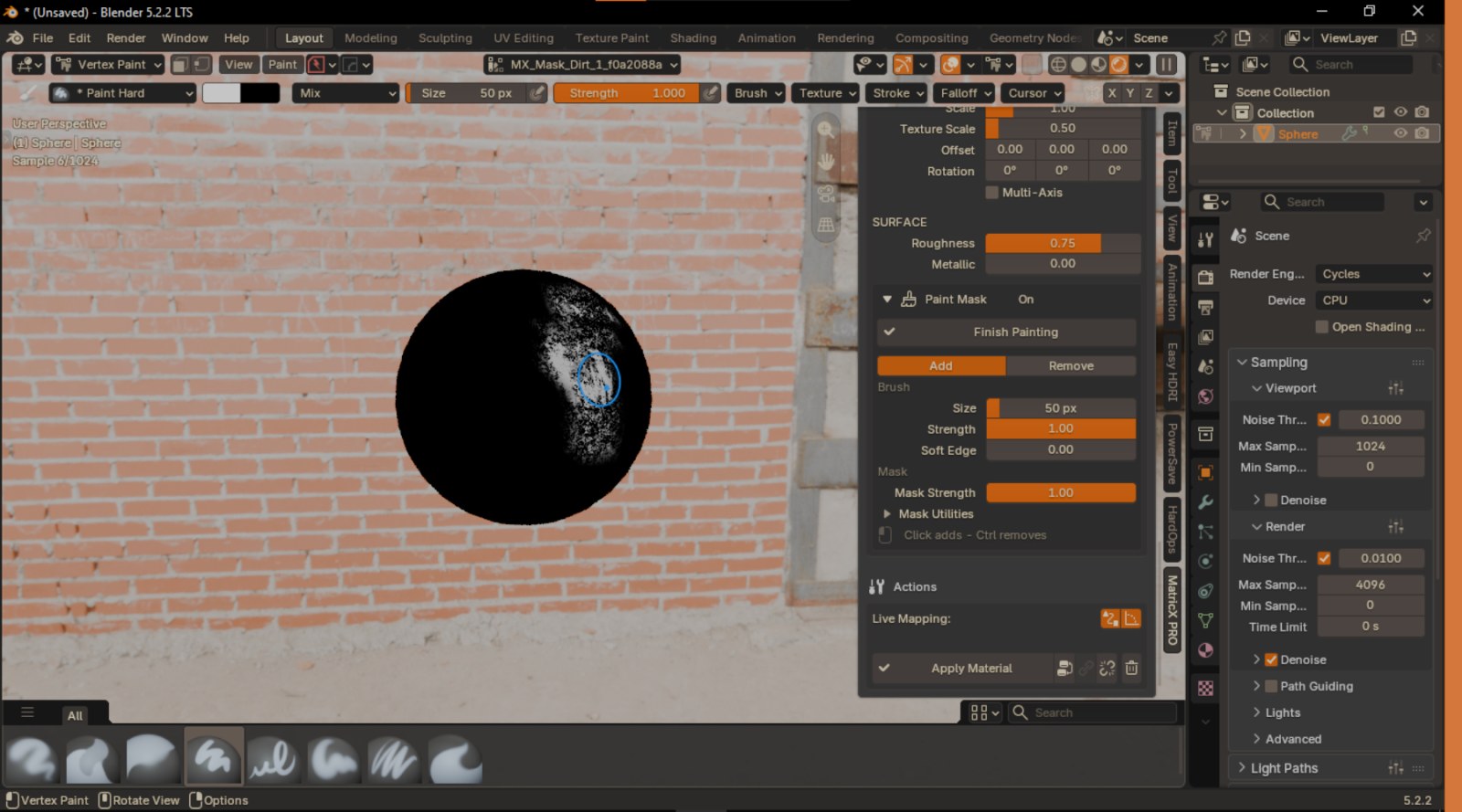
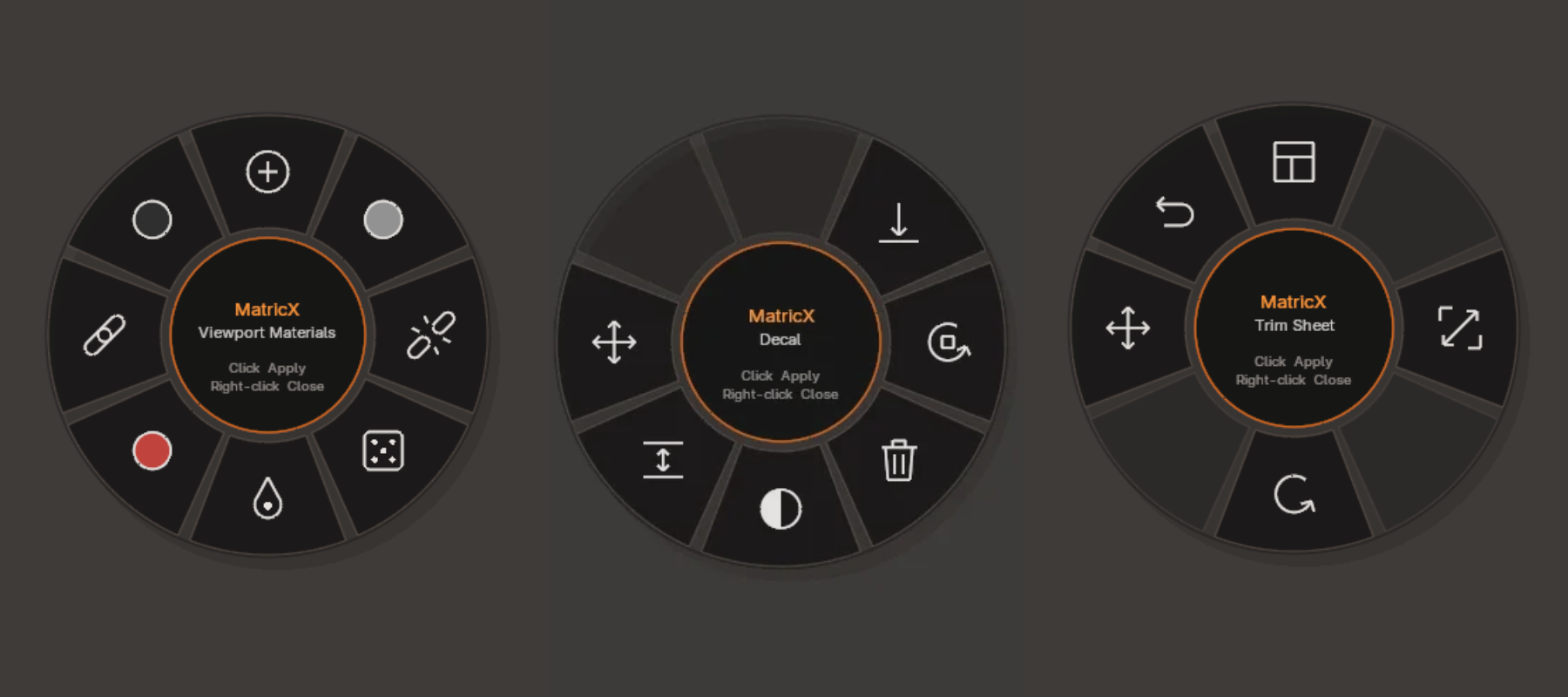
Add high-frequency detail without baking. Place decals that align to the surface, project them for a perfect fit, and drive everything from a pie under your cursor.
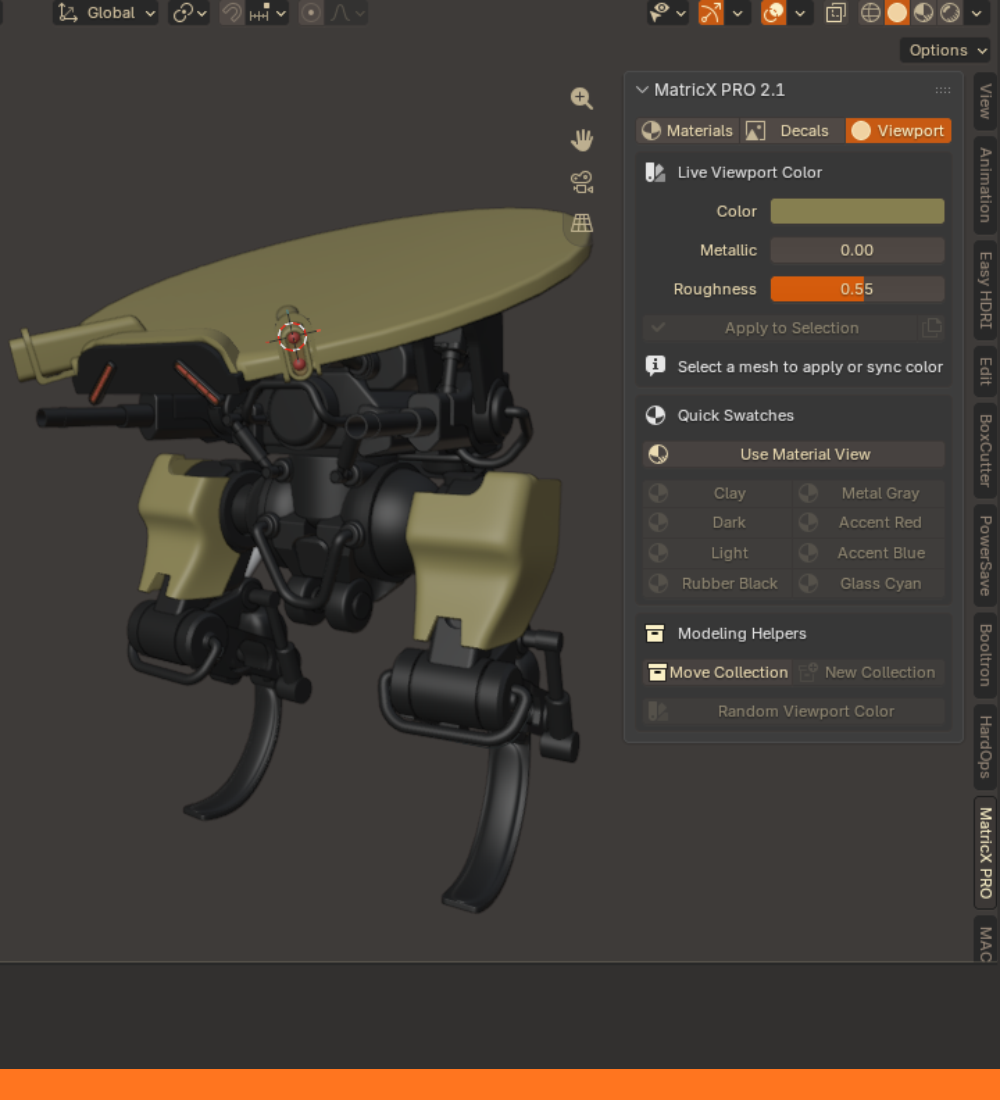
Before look development starts, keep a busy model readable. Fast viewport colours, swatches and helpers — and every MatricX material shows its own colour in Solid mode.
Launch price — regular $79. One purchase, every feature above.
Select your mesh, choose a family and click a material in the collection.
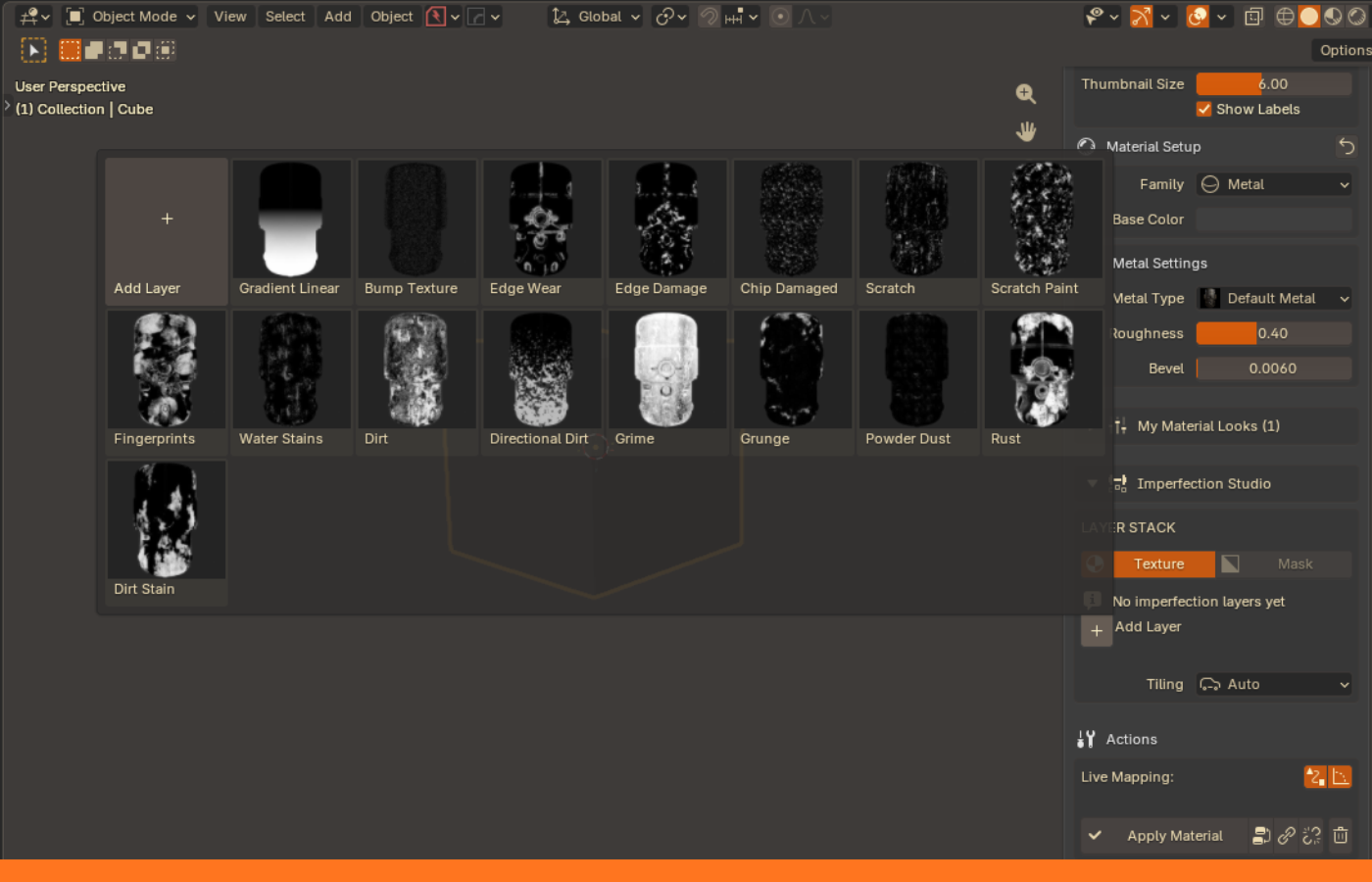
Add Edge Wear, Dirt, Rust or any of 16 imperfections. Tune Amount and Opacity.
Click Apply Material. Save the result as a Look and reuse it on every prop in the set.
Every material loads its own authored values, and every one stays fully editable.
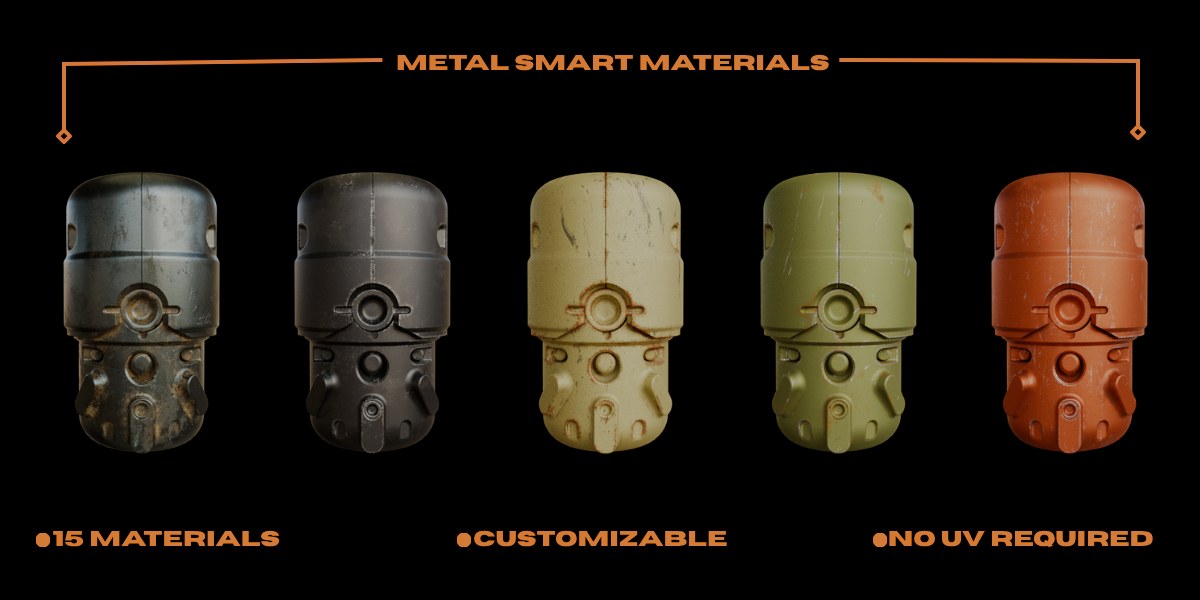
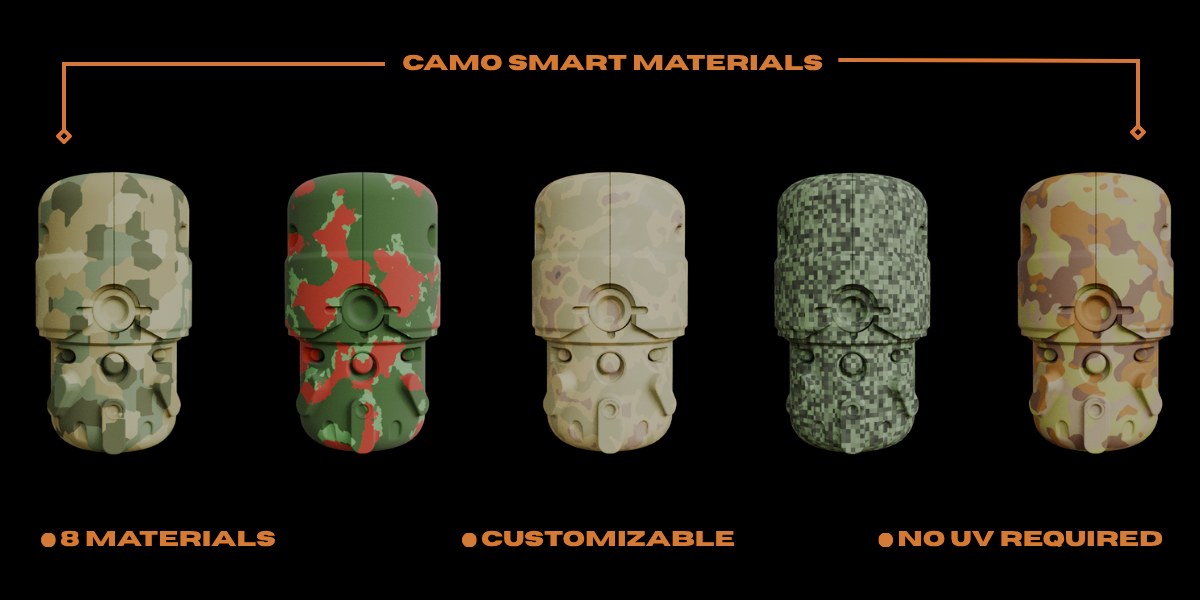
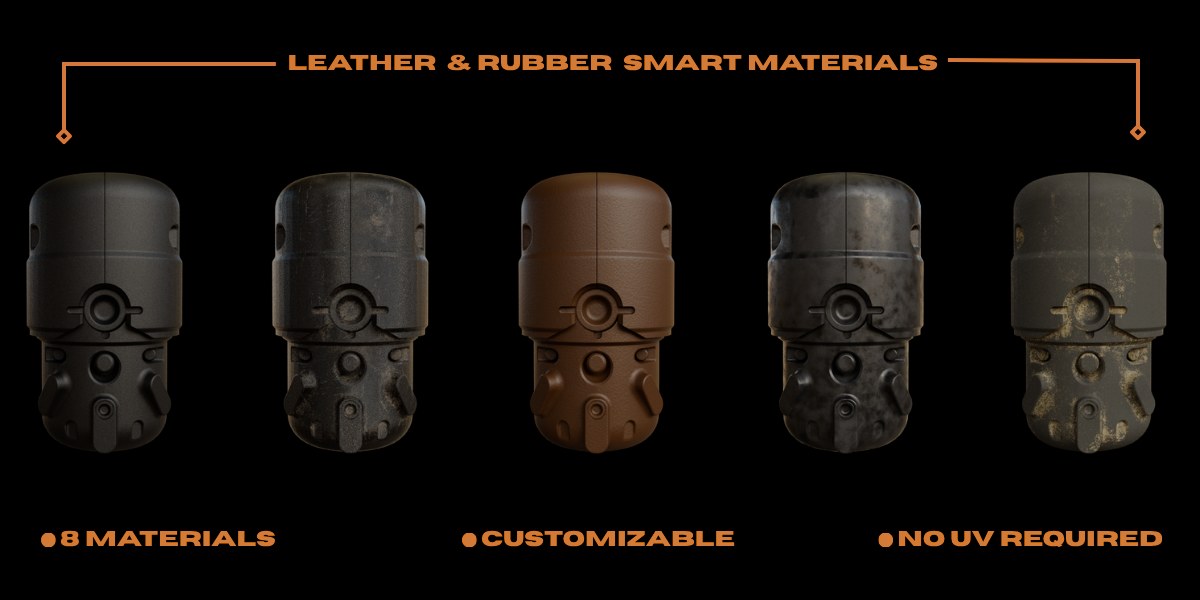
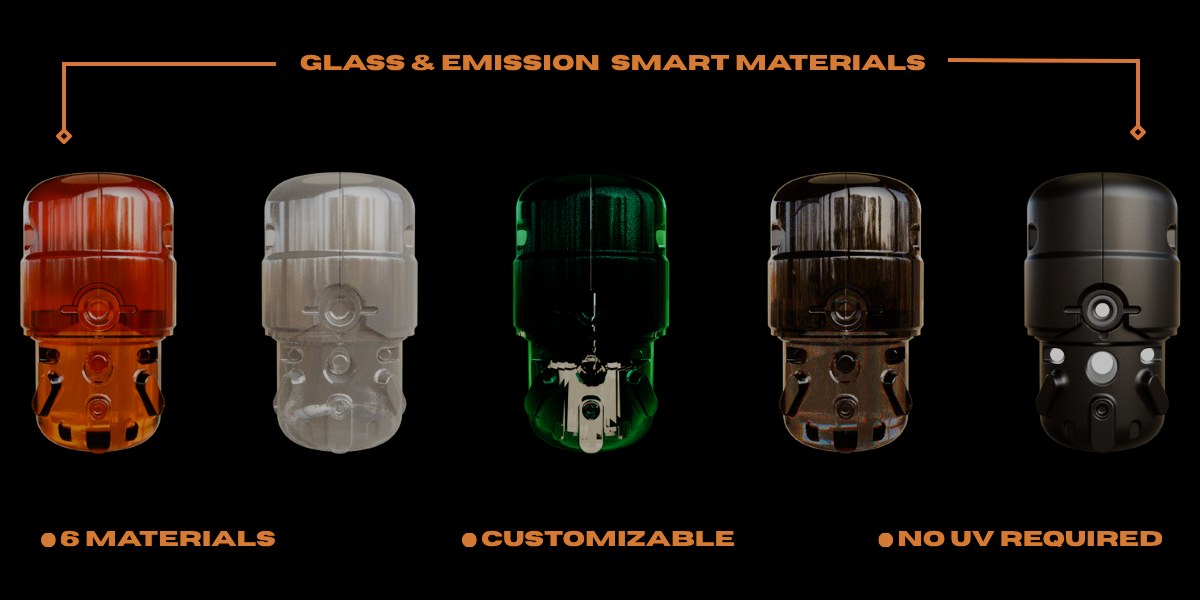
Irons, steels and painted metals, from clean to rusted.
Alloys, polymers, damaged steel and brass, scope glass.
Eight camouflage patterns that take every imperfection.
Rubbers, leathers, tyre rubber and worn hoses.
Procedural and shiny lacquered woods.
Clear, plastic, chromatic, iridescent and tinted glass.
Clean and weathered plastics.
Procedural weaves.
Glowing surfaces with a strength control.
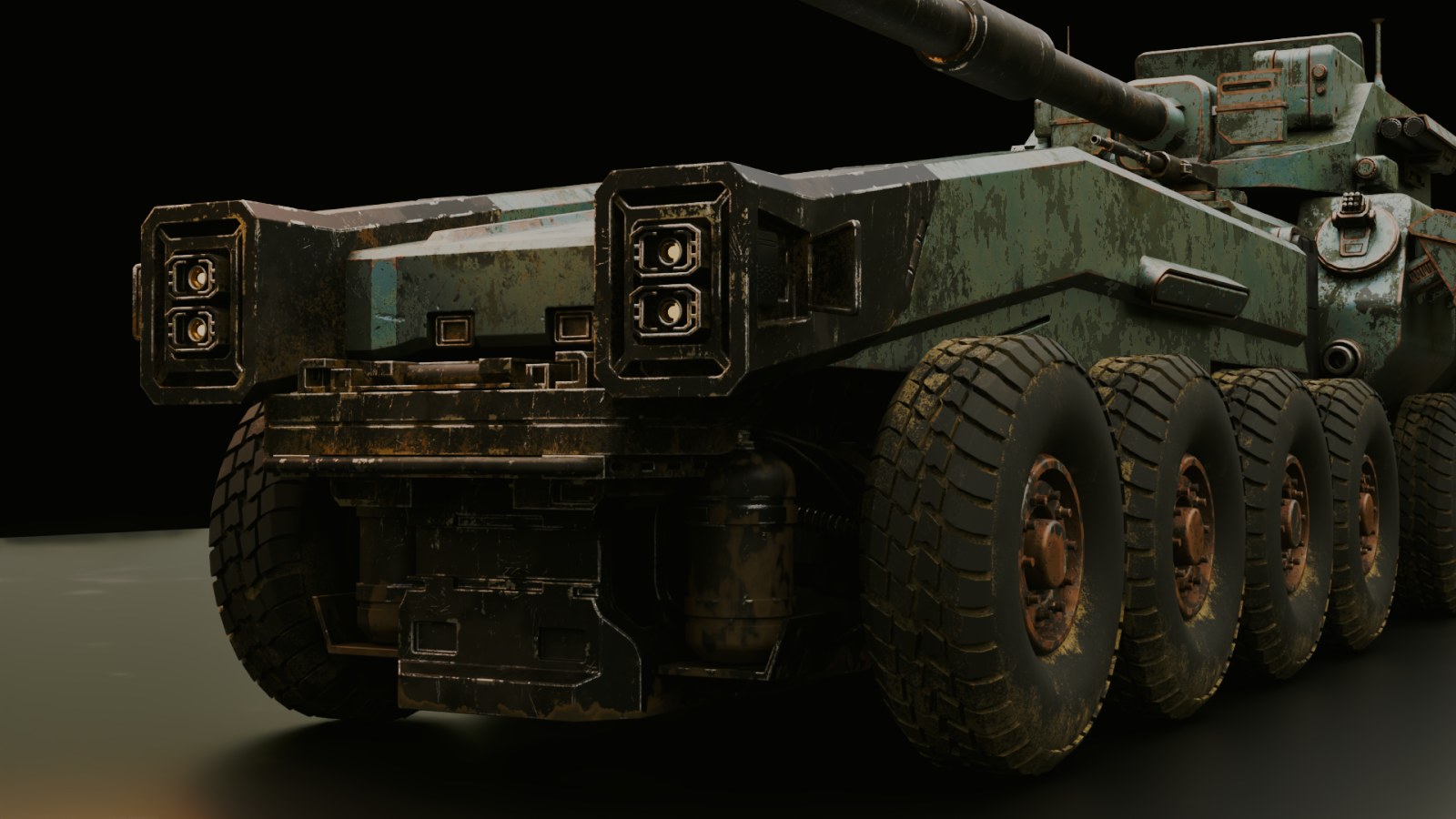
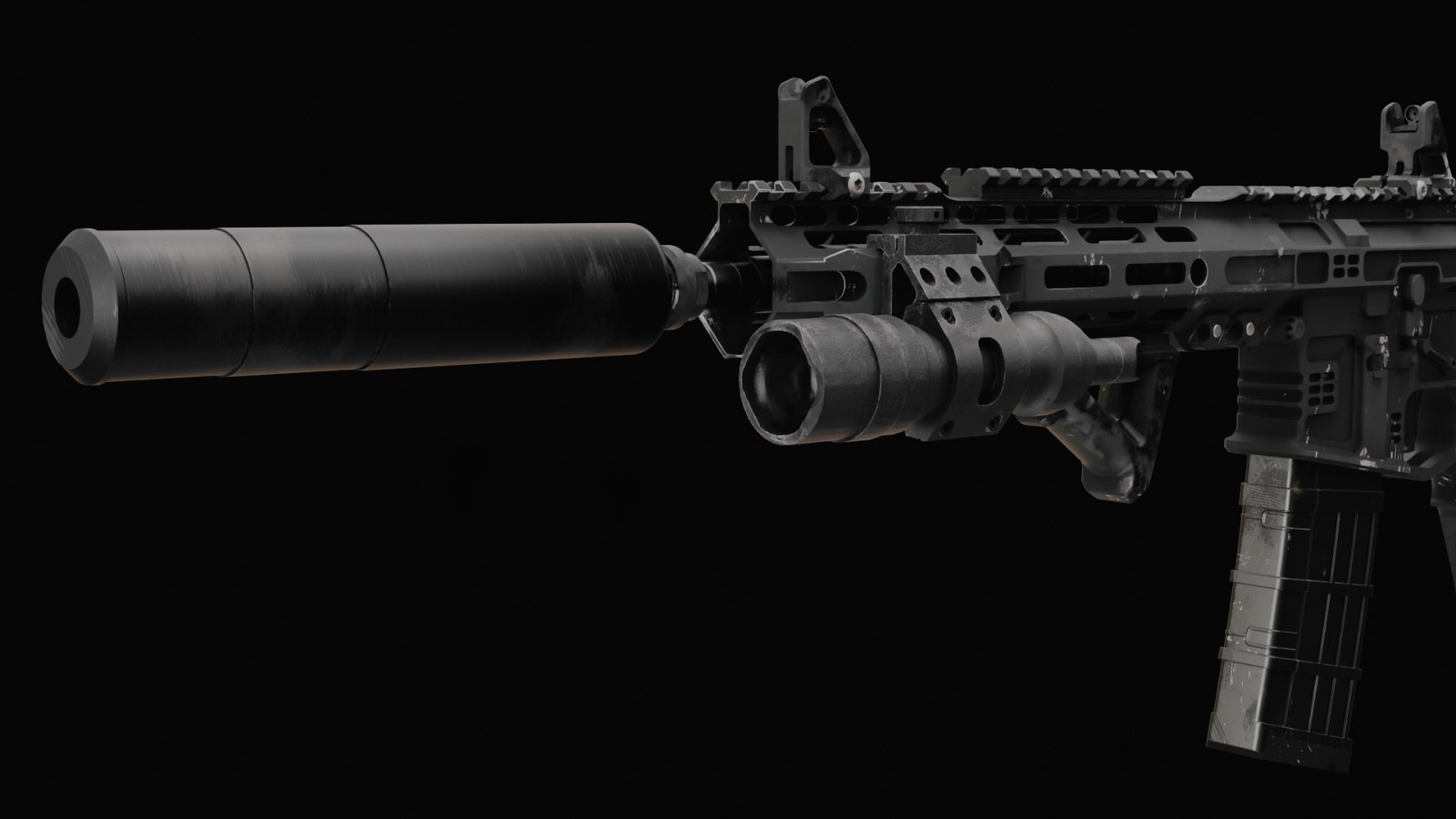
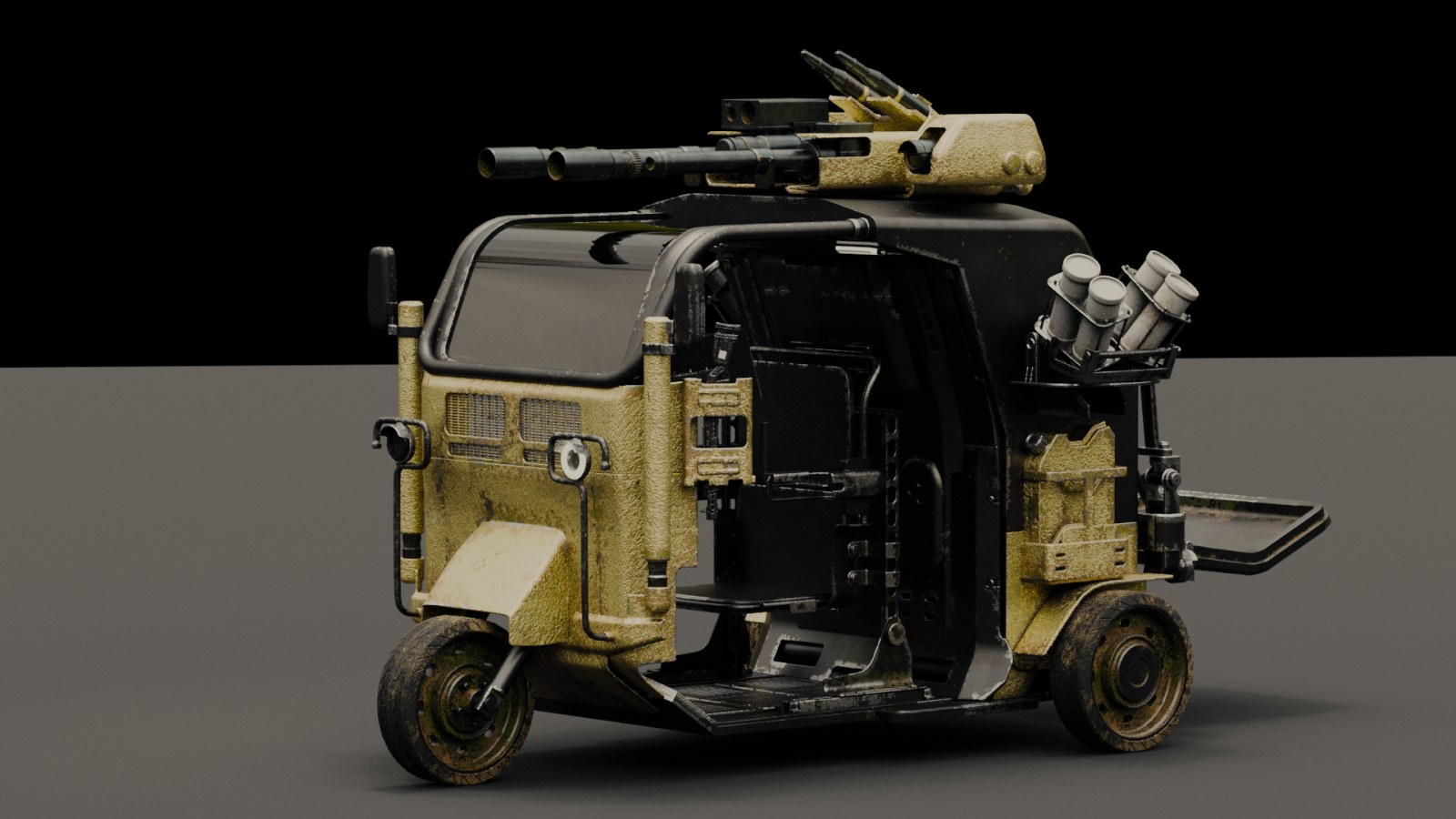
Rendered in Blender with MatricX materials and imperfection layers.
From MatricX customers and the YouTube channel, in their own words.
Amazing addon! had a problem installing the assetpack on Linux. Eidosedge responded and fix the problem completely within a couple of hours. Very good support!
at first, I was thinking of getting this add-on instead of buying mutiple smart materials from different sources to save some money. this would probably my best decision yet :) very easy to use specially for me whos a noob when it comes Materials and shader nodes. it even saves me time and recourses when I do my mockup blockouts.
A fantastic add on, made even better with the Pro version. Super easy to use, with great results. And great customer service from Jack!
thank you for keeping updating this add on. i love it
One purchase gets you every material, imperfection and tool — at the launch price.
| What you get | Value |
|---|---|
| 70 ready-made materials9 families, incl. 38 editable recipes, Weapon & Guns and Military Camo | $40 |
| Imperfection Studio16 layered imperfection types, Mask preview and auto anti-tiling | $35 |
| Paint masksHand-paint where every layer appears, with Add / Remove modes | $15 |
| Decal system17 MatricX decals, surface projection, unlimited libraries of your own | $20 |
| Trim sheet toolFit selected faces into regions of your own trim sheets | $15 |
| Material LooksSave any setup, reuse it on every prop, share it as a file | $10 |
| Custom PBR materialsTurn any texture set into a reusable MatricX material | $10 |
| 3 radial pie menusViewport, Decal and Trim actions under your cursor | $10 |
| Viewport workflow toolsLive viewport colours, swatches and blockout helpers | $10 |
| 26-chapter user guideStep-by-step PDF for new and upgrading users | Included |
| Total value | $165 |
Total value $165 — you pay $49
Get MatricX PRO — $49 Other stores: Blender Market · Payhip38 finished recipe materials. Every layer is yours to edit; Reset Imperfections brings the shipped look back.
Two new families: 19 weapon materials and 8 camouflage patterns.
A new 16th imperfection, a reworked dirt-and-liquid stain, and a new Scratch Paint pattern.
Wood now takes 11 types, Rubber & Leather 15, and Tinted Glass 10.
Viewport, Decal and Trim pies put common actions under your cursor.
Add / Remove modes, brush Size, Strength and Soft Edge, and Mask Strength.
Material Family picker, a thumbnail Add Layer grid, Link Material to Selected, one undo step per Apply.
Clear messages when a folder is not a 2.1 pack, plus Linux and Flatpak setup instructions.
MatricX_PRO_2.1.0_Addon.zipMatricX_PRO_2.1.0_Blender_Extension.zipMatricX_Assets_2.1.0.zipNo. $49 is the launch price. The regular price is $79.
Not for most materials, and never for imperfection layers. Fabrics need a UV map — MatricX warns you and creates one in a click. Trim sheets write the UVs for the faces you select.
Yes. One exception: Edge Wear uses Blender's Bevel node, which only Cycles evaluates, so it shows in Cycles renders. Every other imperfection works in both engines.
Yes. Import PBR texture sets as Custom Materials, add your own decal folders as libraries, and add your own trim sheets. MatricX does not ship trim sheets — the tool is there for yours.
No. Materials you already applied are stored in your .blend files and keep rendering. Keep your 2.0 asset-pack folder in place so older decals still find their images.
Yes — one build for Windows, macOS and Linux. On Linux, extract the asset pack in your home folder and point MatricX to it with Locate Asset Pack (Flatpak included).
Either; they are the same tool. Install one, not both. The Extension uses Blender's Get Extensions installer, the Add-on uses the classic Add-ons installer.
Stop rebuilding shader networks. Start finishing your art.
$79$49launch price
 MatricX